Create one working macro
- Open Key Settings → General → Gameplay and bind the ability-macro activation key; Q is one option after moving its previous action.
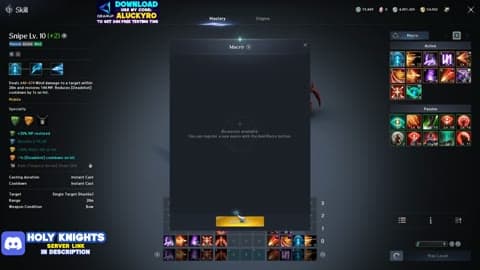
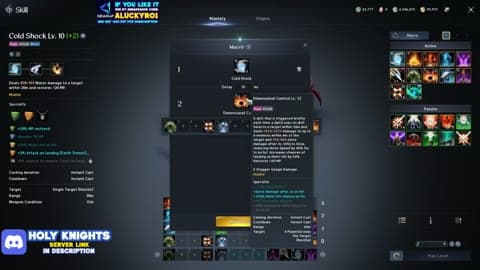
- Open the skill menu’s ability-macro editor and add a macro.
- Select the hotbar chain/stack, not just the skill icon currently showing in that slot.
- Hold the activation key to run the selected stack; release it to stop.
Ability-macro keybind under Key Settings → General → Gameplay.
Button for opening the skill-macro editor.
Skill priority and a Ranger example
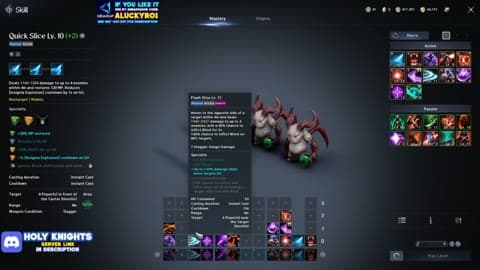
The stack checks the bottom skill first. Put conditional attacks lower in the priority stack and the cooldown-free filler above them. When a condition is unavailable, the follow-up cannot fire; a filler at the bottom can instead occupy the stack and stop upper entries from firing.
For Ranger, the useful sequence is Marking Shot → Precision → Suppressing Arrow, with Snipe supplying MP between attacks. Drill Dart needs a critical hit; Burst Arrow needs Slow or Root. A macro cannot create those prerequisites. Put a ready follow-up ahead of the filler, and keep target-control skills separate.
Class actions to keep on direct keys
| Class | Direct action and condition |
|---|---|
| Assassin | Insignia Explosion after five Insignias; movement to the back only when safe |
| Spiritmaster | Elemental Fusion at Four Elements; choose Water for MP or Wind for HP |
| Ranger | Traps, escape and charged Deadshot when a safe cast window exists |
| Cleric | Healing, cleanse and resurrection; stop damage for urgent recovery |
Keep dodge/block and interrupt outside the damage stack for every class.
Macro delay: a starting value
If the editor exposes delay, 50 ms is a conservative starting value. With stable low latency, 10 ms is an option to try; a shorter delay is useful only if the intended attacks still fire. Watch one full cooldown cycle: if a ready entry is skipped, raise delay before changing skill priorities. Keep the MP-restoring basic attack available rather than replacing it with a chain that drains MP.
Fix a macro that does not work
Nothing fires: activation binding and chosen hotbar chain. Only the filler repeats: bottom-first priority. Follow-up missing: cooldown, MP, range or its required status/critical proc. Character runs forward: turn pursuit off in settings. For the four class walkthroughs, use the Class supplements filter in the video library.
Use the built-in editor
These steps use the game’s own editor. NC’s operation policy sanctions programs or devices that circumvent protection or interfere with normal operation. For accessibility arrangements beyond built-in controls, consult NC support and its current policy.